What happens to my partner in a couple photo?
Both people are meant to stay in place, with Lucia added on an open side. Leave some space around the couple so all three people can fit comfortably.
AI Effects
Add Lucia to a solo shot or a photo of the two of you. Keep the original handy for the before-and-after post.
The people in the original stay in the picture. Lucia joins at the side, close enough to look like she was there when the shutter went off. Compare the two photos to see the idea.
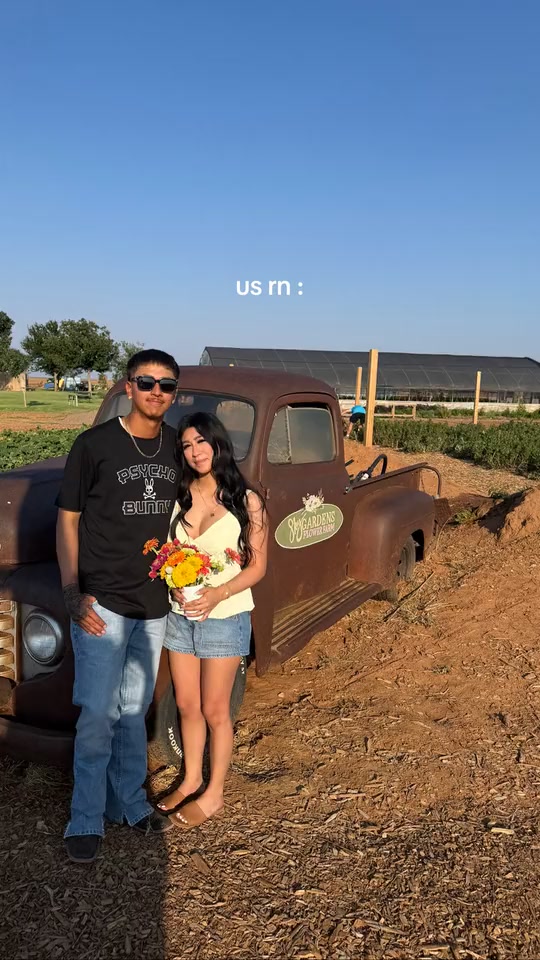

Upload a solo or couple photo with some room near a shoulder. If everyone is pressed against the edge, try a wider shot.
Select the image size, then Add Lucia to my photo. Check the faces and the arm around the shoulder when the edit arrives. Look at the shadows too, especially in strong sunlight.
Download the edit and post it after the original. Let people swipe to find the extra person. Save any caption for the post so it does not cover the group.
Both people are meant to stay in place, with Lucia added on an open side. Leave some space around the couple so all three people can fit comfortably.
Your own photo is the only upload. Lucia’s appearance and outfit are already described in the effect.
The edit aims to keep the original faces, clothes and setting. Small details may shift, and the background may be extended to fit the vertical portrait. Compare with the original before you save it.
Estimated cost: 12 credits
For creative and entertainment use only