
Bunny Counts the Fireflies — full song
The original singing and animation from one generation.
Little songs. Big imagination.
Turn a little verse into a world of color, characters and song. Create short animated nursery rhyme clips, or make matching scenes for a kids’ song you already have.
01 / Find your starting point
Bunny Counts the Fireflies
02 / Bring it to life
03 / A little inspiration
Made with Everygen · One song and its four original shots.
The original singing and animation from one generation.
The revised rabbit shot, with its clean character reference.
An over-the-shoulder shot using the rabbit reference.
A text-only close-up; the full output includes the unused opening.
A reference-image shot with a wave and a quiet ending.
A real 15-second Everygen example, with original singing and a quiet goodnight.
A simple counting song with clear gestures and room to sing along.
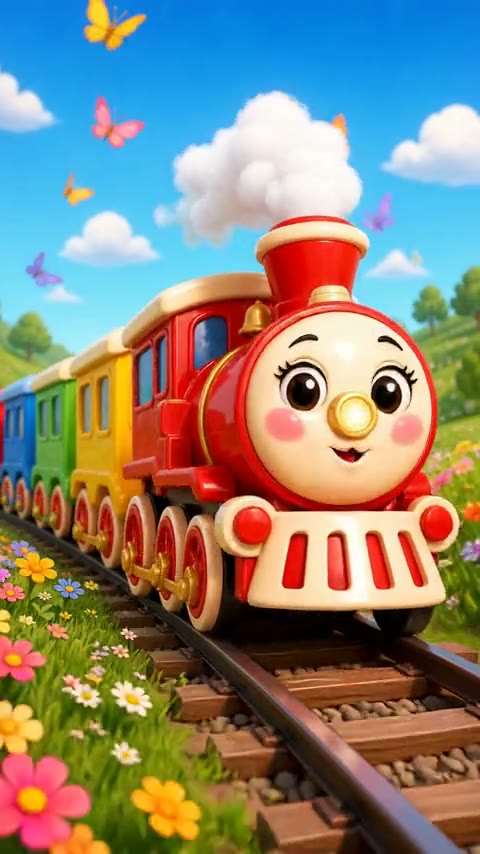
Turn a color-and-object verse into a bright, focused train scene.
Borrow the alphabet journey structure, then start with one short letter verse.
One friendly character, two repeatable movements and an easy chorus.
A gentle stomp-and-sway song inspired by a toy-like elephant animation.
Break a morning routine into small actions children can recognize.
A healthy movement idea with a repeated character and a simple rhythm.
A quiet star-search story to inspire a short bedtime verse.
A short lullaby with room for a complete musical ending.
Give a mascot or a name its own friendly musical introduction.
Create a warm greeting by changing the name, character or language.
Follow the actual making of
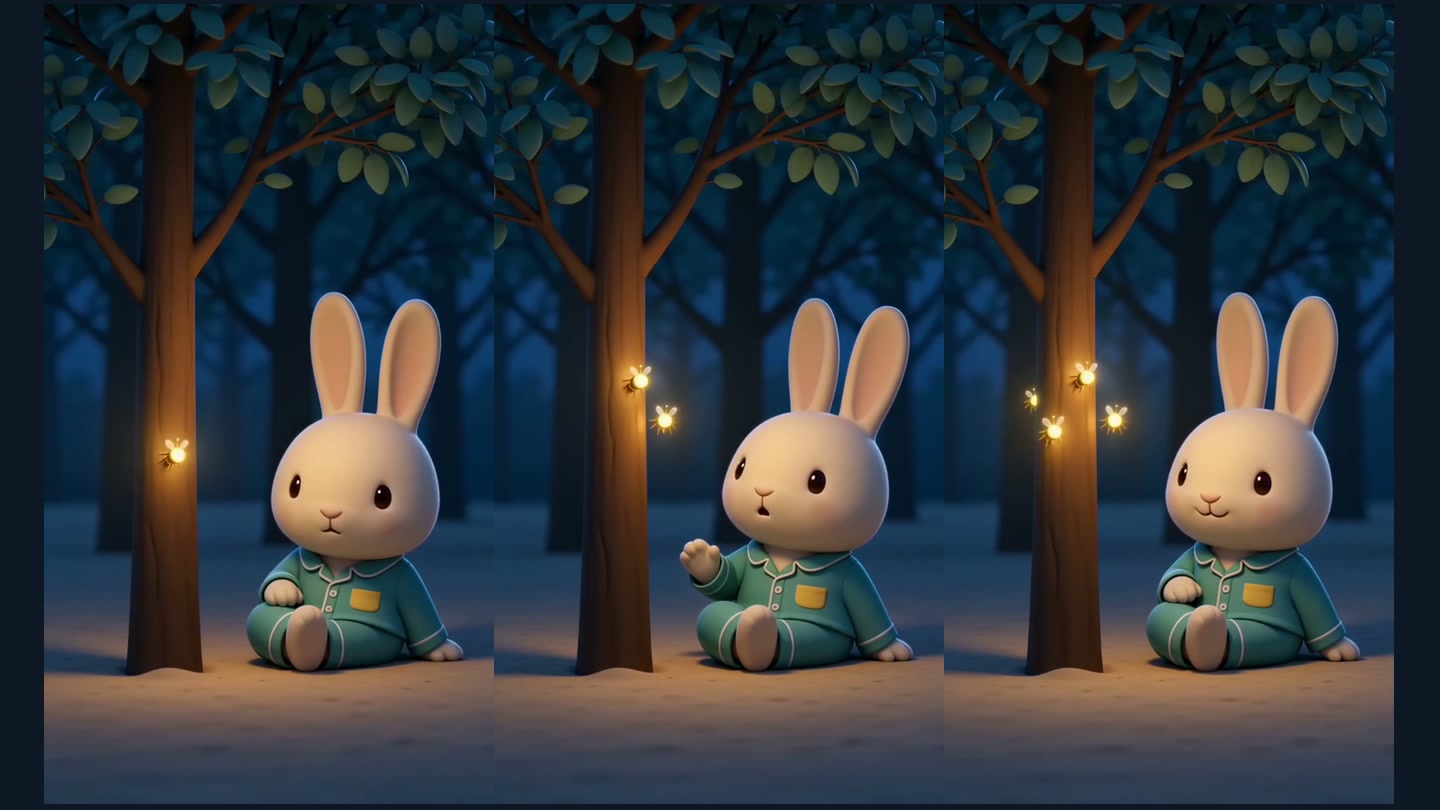
A 15-second example with the full prompt, original output, lyric checks and captioning steps.
Read the full walkthrough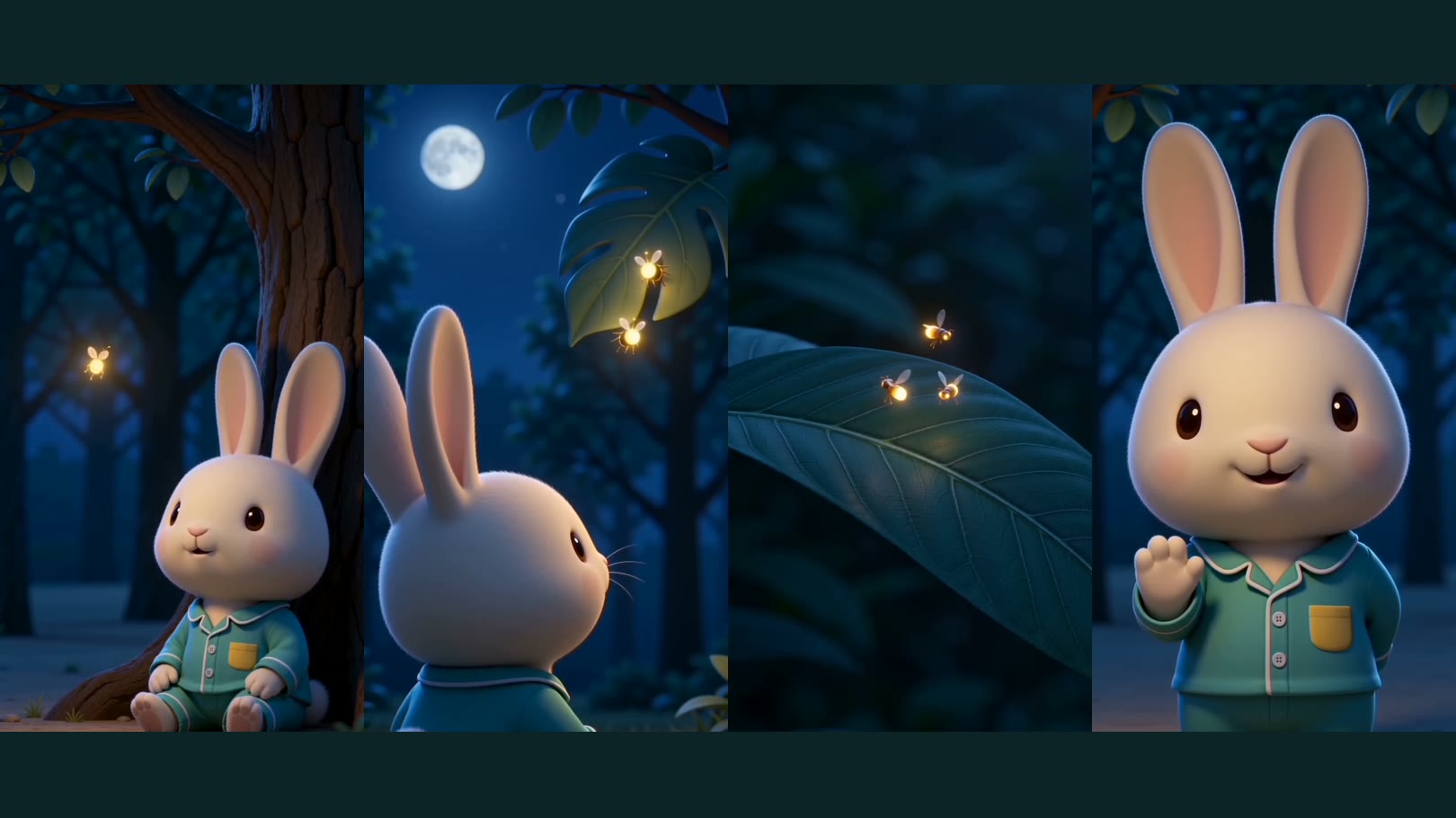
Character references, exact lyric timings and a revised shot, assembled over the unchanged soundtrack.
See the four-scene editFrom the first line to the final frame
Start with two short lines, one learning idea and one action per line. Leave room for the last sung word.
Keep colors, clothes and proportions explicit. Use a simple setting and a readable camera angle.
Check your settings and credits. Listen for every word, count visible objects and check the final pose.
Add lyric captions and trim the picture in your editor. For a longer song, align each shot to the same continuous recording.
A few useful answers
Yes. Choose Text to Video to start with a prompt, or Image to Video to upload a character image. The model picker shows the available models for that mode, with supported durations, resolutions and audio controls. For a new sung verse, choose a model that supports audio; for an existing recording, generate matching visuals and add your song during editing.
Start with a short verse and a character. Choose a template, edit the lyrics and actions, then apply it to the generator. Review the model, duration, audio setting and credit estimate before generating. Check the actual singing and picture, then add accurate captions in your video editor.
Yes, by making short animation shots for your recording. Choose “I already have a song” to create a silent-shot prompt with audio generation off. Keep your song as one continuous track in a video editor, arrange the generated clips above it, and trim each shot to the lyrics. This page does not upload, synchronize or assemble the entire song automatically.
This workspace generates individual clips. Starters suggest 10 or 15 seconds; the available duration depends on your selected model. Longer reference videos are examples of multi-scene songs: plan separate shots, generate them, and assemble the final video with a continuous soundtrack in an editor.
Use the creative references to explore characters, pacing and mood. Each starter helps you make a new short clip, and its result can differ from the preview. Bunny Counts the Fireflies is our documented Everygen example: its vocals and animation were generated together, with visual timing and captions adjusted afterwards. The walkthrough shows its exact prompt and editing steps.
Choose vertical 9:16 for a short social video, or landscape 16:9 for a wider composition. Review the song, visible counts, pronunciation and final pose before sharing. Add captions during editing so you can control spelling, timing and safe placement.
Keep the same character description, colors, clothes and setting in every shot. For stronger visual guidance, choose Image to Video in the generator on this page and upload a character image. Select a model with reference-image support when you need additional views. Review each result: a reference and a detailed prompt guide the generation, but do not guarantee an identical character.
Browsing examples, editing a starter and copying prompts do not submit a generation. Generating a clip uses credits from your Everygen account. The live estimate changes with the selected model and settings; review it before each request and allow for retries or additional scenes. Plans and credit packages are on the pricing page.
Yes. Edit the language and write the lyrics in that language; changing the language field does not translate the text for you. Update a character’s name in both its description and the lyrics. Keep the verse short enough for the chosen duration, and listen for pronunciation, skipped words and a complete ending.
Explore plans and credit packages.
Pick a character. Write two lines. Make something they can sing along to.
Start creatingMode
Text to Video · 15s · 9:16 · Audio on
Estimated cost: from 240 credits
For creative and entertainment use only