Boom Clap Confetti AI
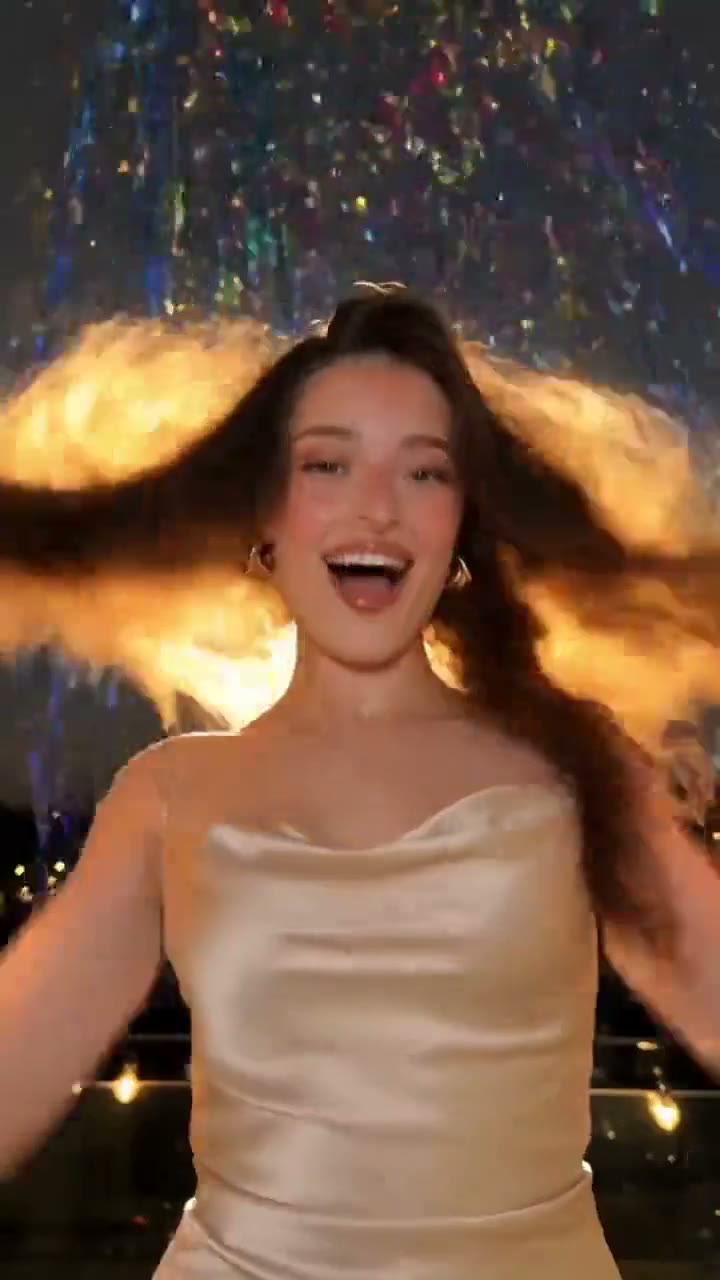
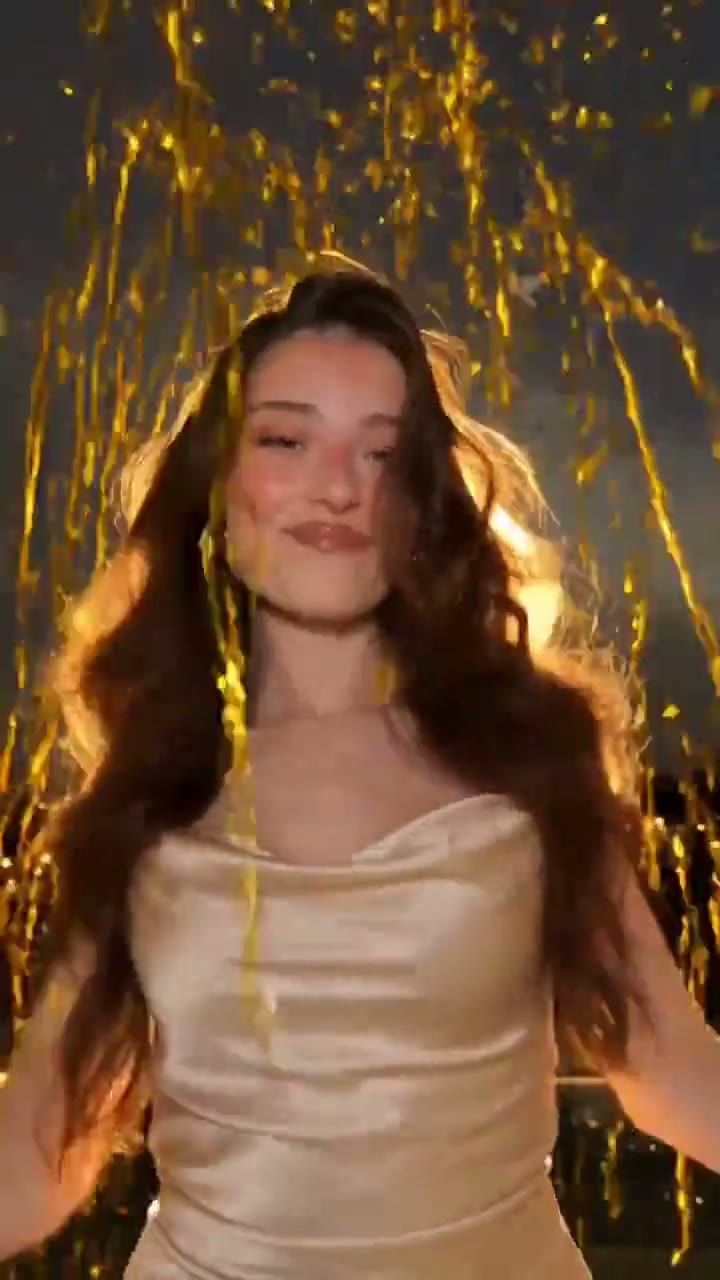
Put yourself in the Boom Clap performance, complete with two badly timed confetti showers. Upload a portrait and let the clip play out.
Keep singing. There’s more confetti.
A few seconds of singing, a shower of silver, then a much bigger mess of gold. The camera stays put while the singer tries to carry on. Watch this take all the way through with the sound on.
How to make your Boom Clap Confetti AI clip
Find a photo with a visible mouth
Use a front-facing portrait without a hand or microphone across the lips. A chest-up shot leaves room for the gestures.
Put your photo in the performance
Upload it, choose 480p or 720p and select Make my confetti clip. Both bursts and the short soundtrack are included.
Let the second burst play out
Listen through to the end before downloading. The pause between the two showers is part of the clip, so keep it if you trim the video later.
Boom Clap Confetti AI FAQ
Do I need to upload a recording of myself singing?
A photo is enough. The clip supplies the performance and soundtrack. Your photo is used for the singer’s face.
Will every word line up with the lips?
The mouth follows the performance, but individual syllables can drift. Listen with the volume on and watch the first few seconds, before the confetti covers the face.
Can I move the confetti bursts or change their colors?
The silver-then-gold sequence is fixed for this effect. Where individual pieces land will vary between results.
Can I put two friends in the clip?
There is one singer in this version. Use a separate portrait for each friend and make two clips if you want to post them together.