Dropped Truck GTA 6 AI
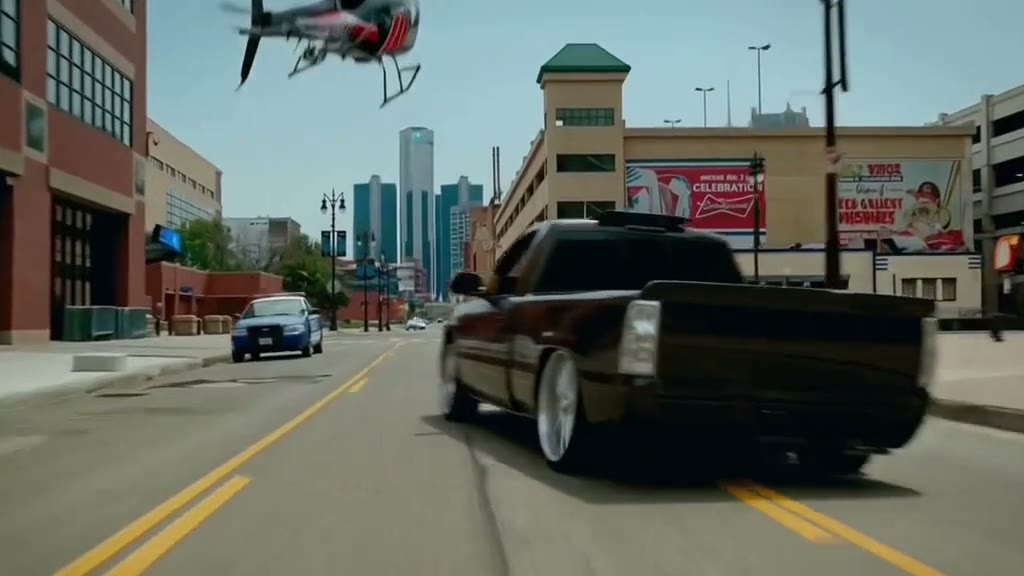
Take your truck downtown. A helicopter passes overhead as the rear wheels spin and the pickup slides through the intersection.
Your truck in the downtown burnout
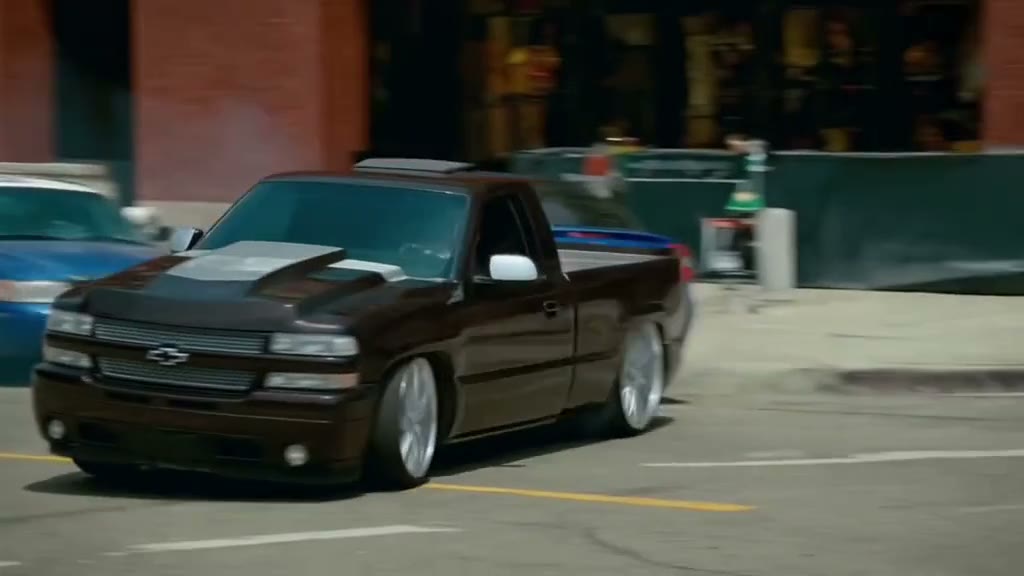
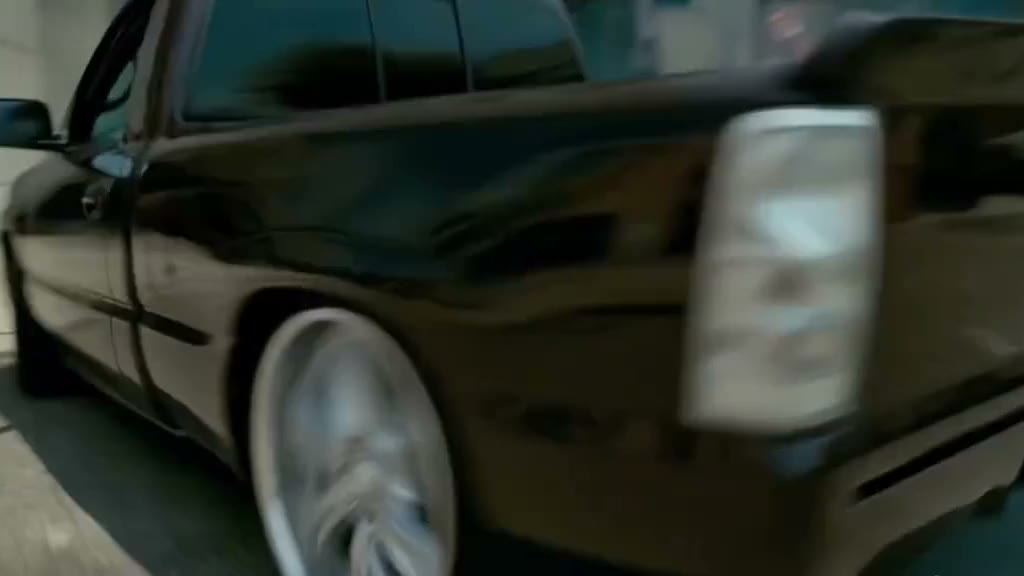
The camera starts low behind the tailgate, then catches the truck sliding across the intersection. The short replay below shows the side-on pass through the smoke.
How to make a Dropped Truck GTA 6 AI edit
Park where you can see the whole truck
Take the photo from a front corner in daylight. Leave both bumpers and the tires inside the frame.
Load your vehicle photo
Choose 480p or 720p, then select Make my burnout clip. The ten-second route through the city is already set.
Follow your truck through the cuts
Check the grille, paint and wheels as the view moves from behind the tailgate to the side. Download the wide MP4 with its sound.
Dropped Truck GTA 6 AI FAQ
What does “dropped truck” mean here?
It means a pickup with lowered suspension. In this clip the truck stays on the street, spinning its rear wheels under a passing helicopter.
Can I use a sedan or an SUV?
You can upload another vehicle. Include the whole body and wheels so its shape is clear. The clip follows the same city route.
Will it keep my paint, wheels and ride height?
Those details come from your photo. The effect aims to carry them through each shot, though badges, plates and small markings can change.
Does the photo need to show a burnout?
A parked vehicle works. Tire smoke, wheel movement and the passing traffic are supplied by the scene.
Unofficial fan-made vehicle effect.