Frozen Viking Warrior AI
A gust of snow, a heavy fur cloak and an axe over your shoulder. Use a standing photo to see yourself in the eight-second Viking transformation.
From the living room to a frozen ridge
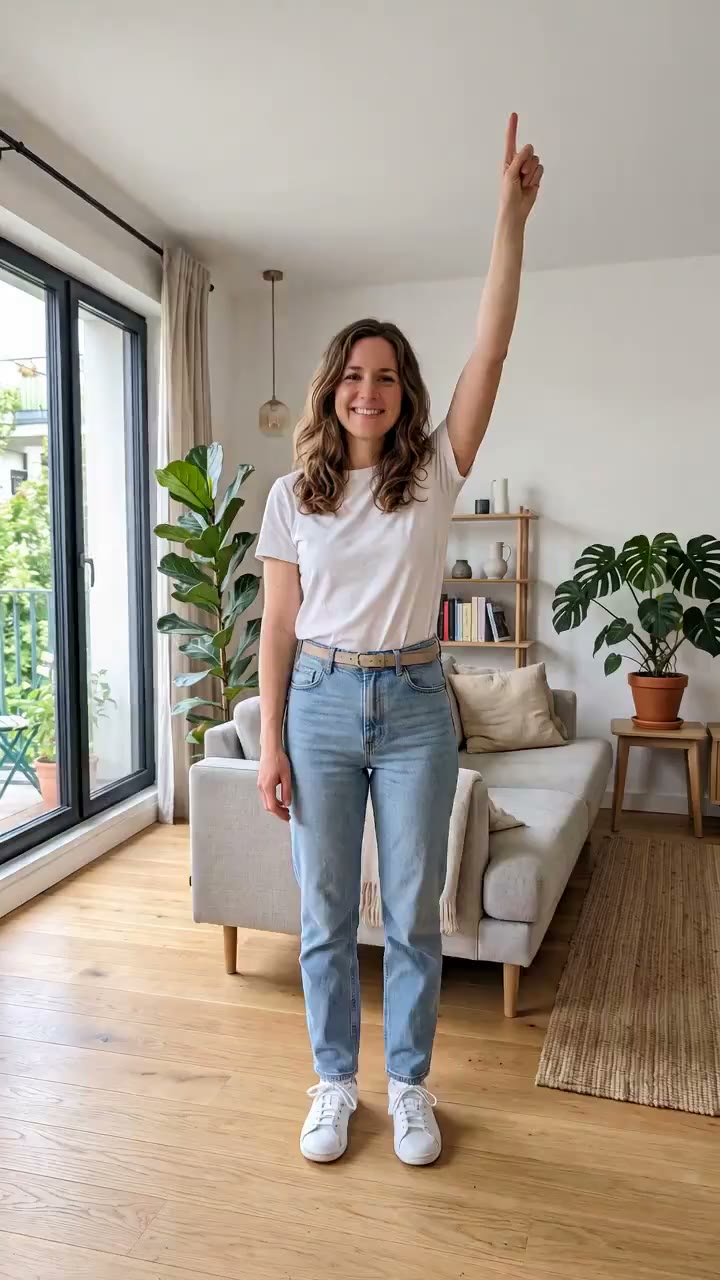
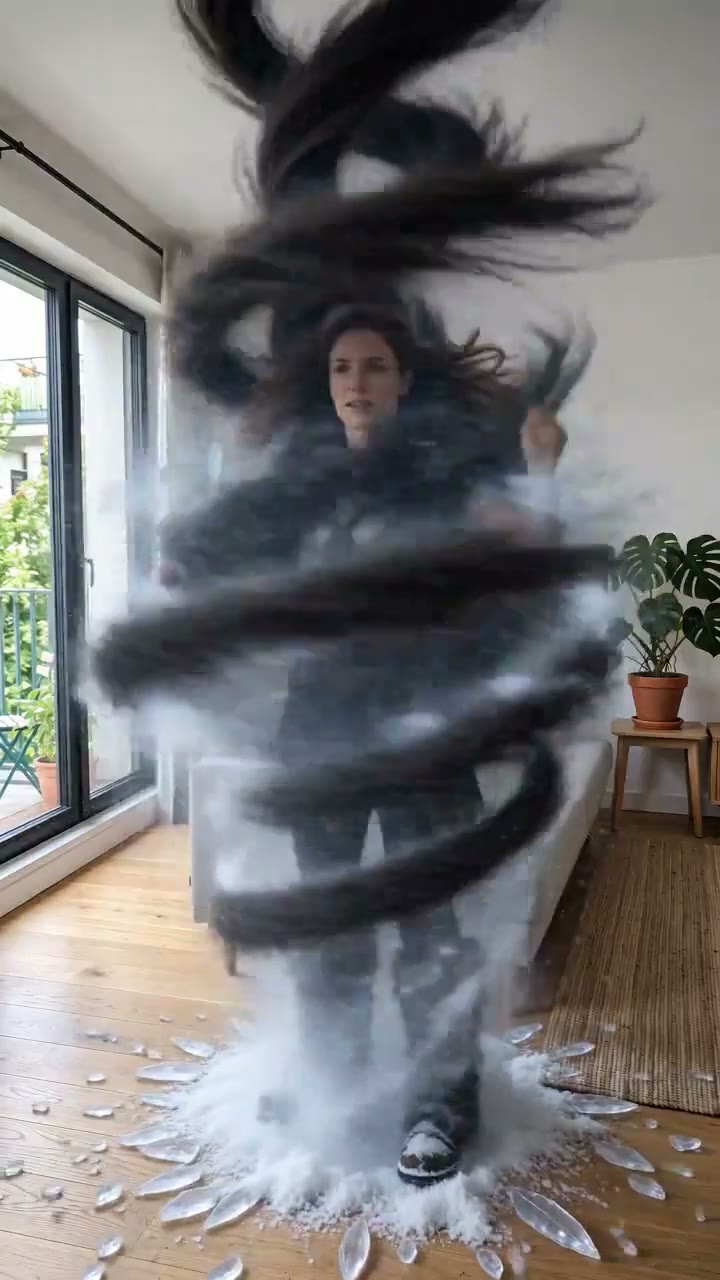
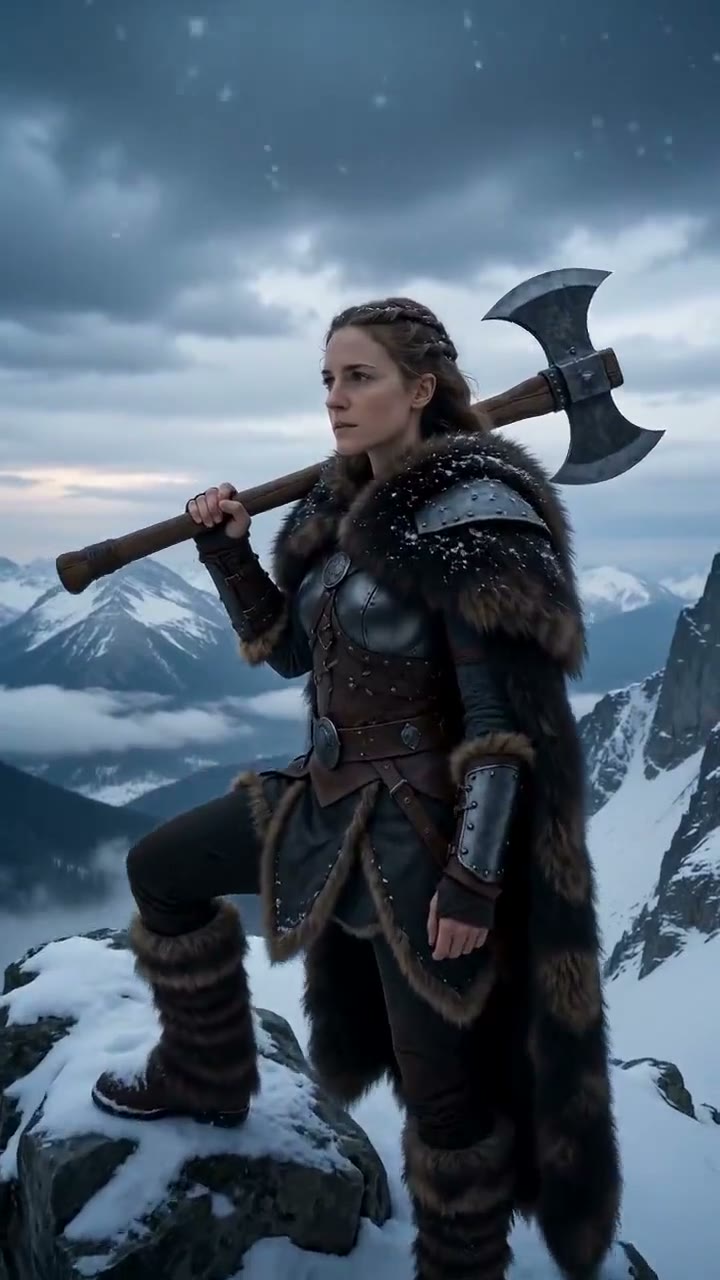
The gust curls around the shoulders first. By the time it clears, the cloak is on, the axe is over one shoulder and the room has given way to snow. The change happens in one short sequence.
A different face under the fur
This second example follows the same transformation. Notice the face when the cloak settles and the camera moves closer. That is the part to look at when you watch your own result.
How to make a Frozen Viking Warrior AI video
Start with a relaxed standing pose
Face the camera with your arms away from your face. Leave your hands and feet in the picture so the new costume has a whole body to follow.
Make the eight-second transformation
Upload the photo and select Make my Viking reveal. The room, the swirl of snow and the mountain scene are already set up.
Pause where the snow clears
Check that the face still looks familiar and the hand meets the axe handle. Save the clip with its sound once you are happy with the transition.
Frozen Viking Warrior AI FAQ
Will the video use the room in my photo?
The scene follows the sample, including its opening room and snowy ridge. Your photo supplies the person who goes through the change.
Can I use a headshot?
A full-length picture gives the effect a clearer starting pose. With a close-up, it has to invent the rest of the body, including the arms that hold the axe.
Can I choose a different weapon or costume?
This version uses the axe and fur cloak shown above. There are no separate costume or weapon controls.
Does everyone get the same face under the armor?
The effect uses the uploaded face for the warrior. Some details can shift as the snow passes, so compare the face at the start and the end before saving.